
Start with the magic
Choose the source and severity. Describe the situation, the kind of magic and who is caught in the effect.
Rules & resolution
Magic goes wrong.
A clear effect.
A way to respond.
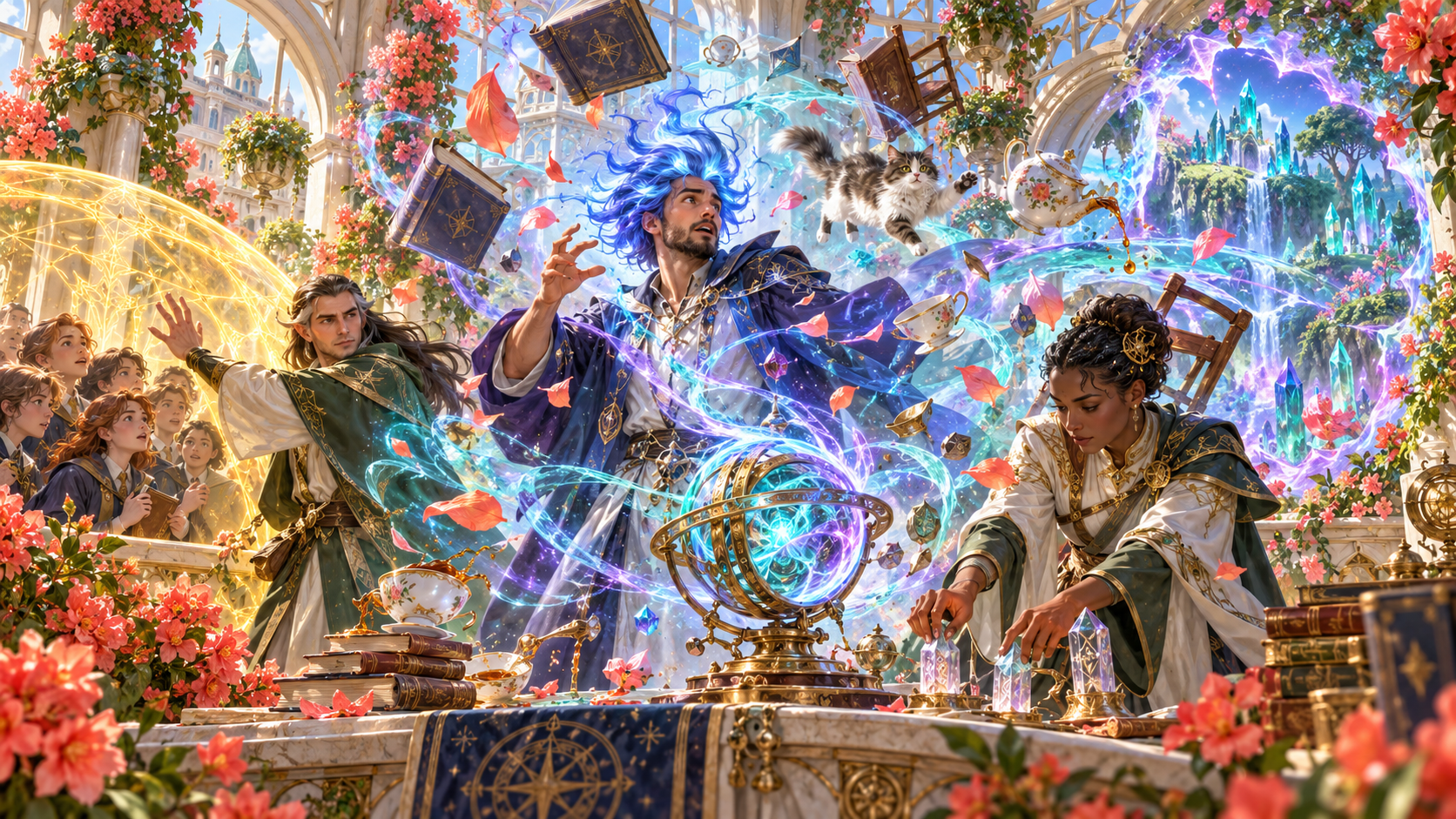
Magical chaos with clear boundaries
Connect cause, immediate danger, responses and aftermath.
Choose the source and severity. Describe the situation, the kind of magic and who is caught in the effect.
Define what happens immediately, how it changes if ignored, how long it lasts and how it can end. Keep the aftermath connected to the scene.
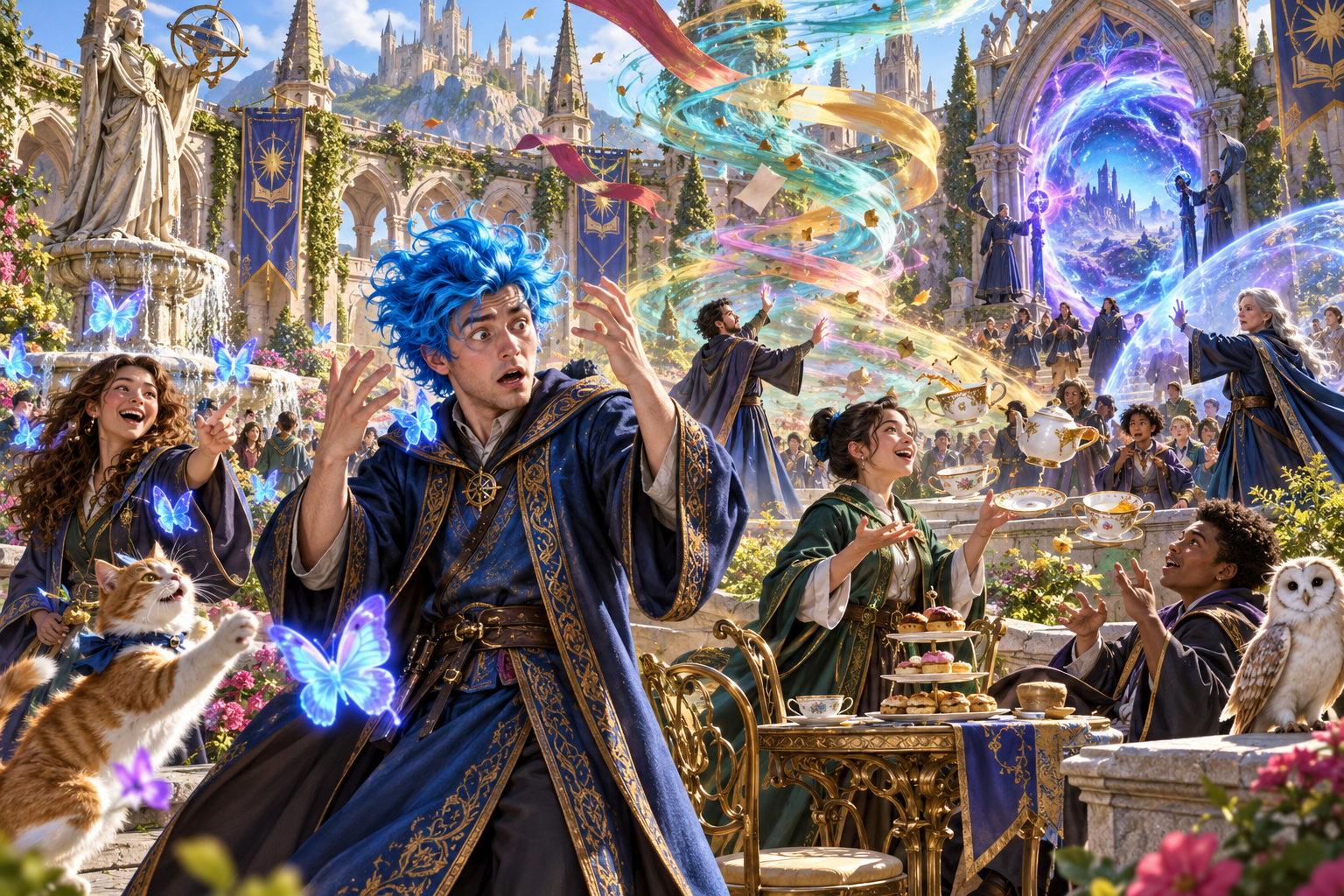
From an oddity to a disturbance
Blue hair and butterflies, floating tea, a colourful surge and a glowing portal fill the courtyard. Different kinds of magical chaos share one scene.
Choose one of six severity tiers, from cosmetic oddity to reality disturbance. Match the effects, escalation, ending and aftermath to that choice.
What you can create
Prepare magical failure with understandable boundaries.
Begin with a spell, item, potion, scroll, ritual, wild magic or ancient artifact. Keep the cause and effect connected to the source.
Choose cosmetic oddity, nuisance, misfire, uncontrolled surge, planar breach or reality disturbance. Match the event to the severity your table wants.
Describe the magic being used and how it goes wrong. Keep the resulting mishap and its immediate effects understandable at the table.
Decide who is caught in the effect and who is spared. Use those boundaries to give players a clear situation to respond to.
Describe what happens if the mishap is ignored. Keep its duration and changing conditions alongside the immediate danger.
Give the mishap an ending and describe recovery. Connect the aftermath and a future magical hook to the event that occurred.
Choose source and severity, then add the situation, kind of magic, targets and duration. Include a caster, details to avoid and private context.
Use a real roll when the table still needs to decide whether the mishap begins. Your table’s rules decide what the original magic achieves.
Edit individual sections, lock details you want and selectively change others. Save versions and reopen the complete event.
Copy, download or print the full Dungeon Master account or a player-facing view. Keep hidden causes and escalation private.
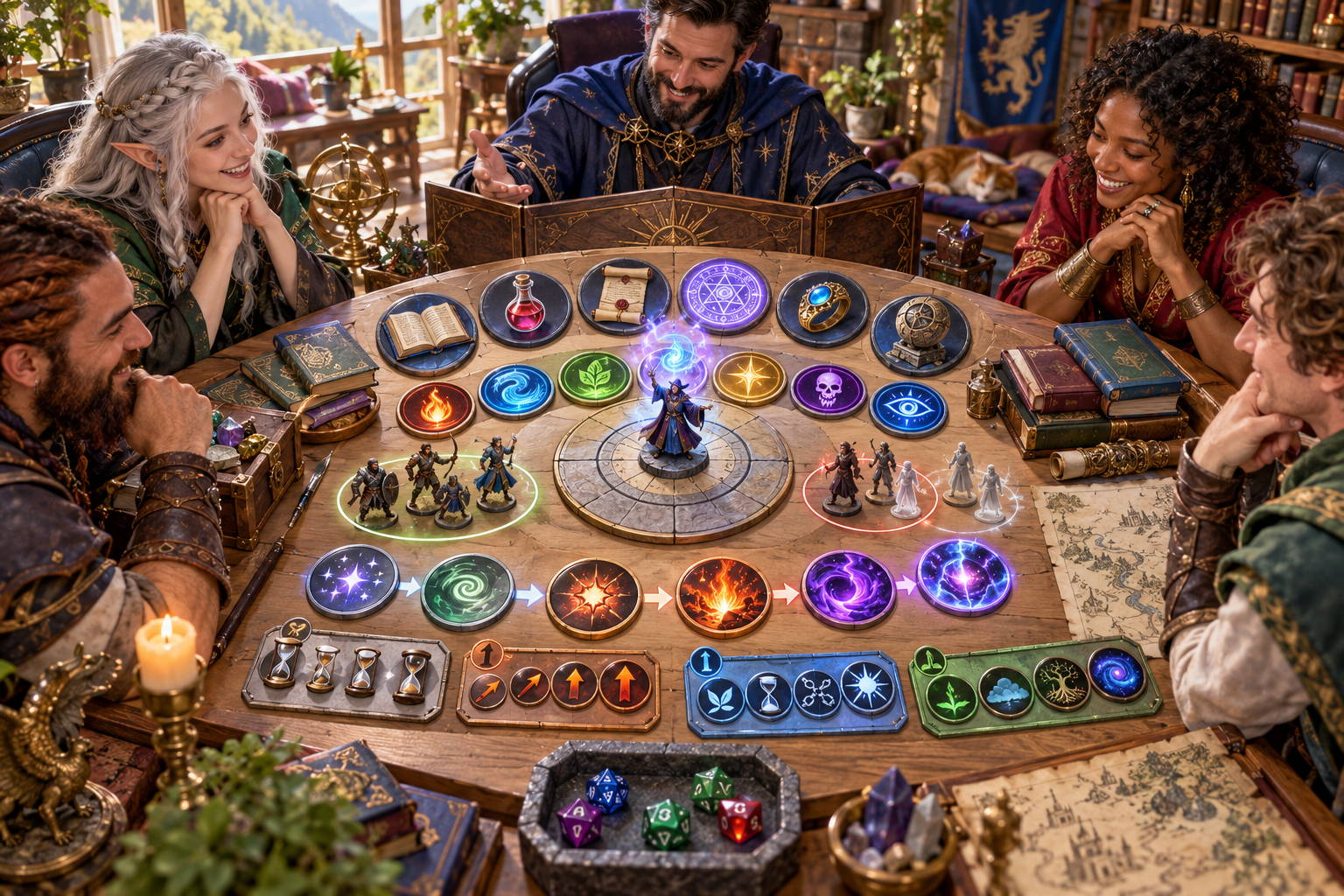
Choose source, severity and targets
A Dungeon Master and players gather around source objects, severity tokens and groups of figures. Hourglasses and symbols keep duration, escalation and ending in view.
Describe the magic, choose its source and severity, then set who is affected and spared. Add duration, context, the caster and details to avoid.
Build the complete mishap
Prepare the event and keep responses with the players.
Describe a spell, item, potion, scroll, ritual, wild magic or ancient artifact. Set the severity and the situation in which the magic goes wrong.
Use the optional real roll if the table still needs to decide whether the mishap starts. Follow your table’s rules for the original magic.
Set the kind of magic, who is affected or spared and how long it lasts. Review the immediate effect and escalation if ignored.
Review how it ends, recovery and the future magical hook. Edit, lock or selectively change sections, then save the version and prepare the view you share.

The scene after the accident
The courtyard settles around a contained glowing portal. People recover, study the damaged paving and tend to companions while magical traces remain.
Describe how the mishap ends and what recovery involves. Connect the aftermath and future magical hook to the source and chosen severity.
Keep the event together
Carry the useful details into your session.
Keep source, severity, affected people, escalation, ending, aftermath and the future magical hook together in the saved mishap.
Lock individual sections, change others selectively and edit the material to fit your scene. Save a revised version when it is ready for your table.
Copy, download or print the complete event for preparation, including hidden causes, escalation and private context.
Share the mishap, its immediate effects, who it affects and how it ends. Hidden causes and escalation remain with the Dungeon Master.
Your workspace and related products
Open VISINVOKE products through your account.
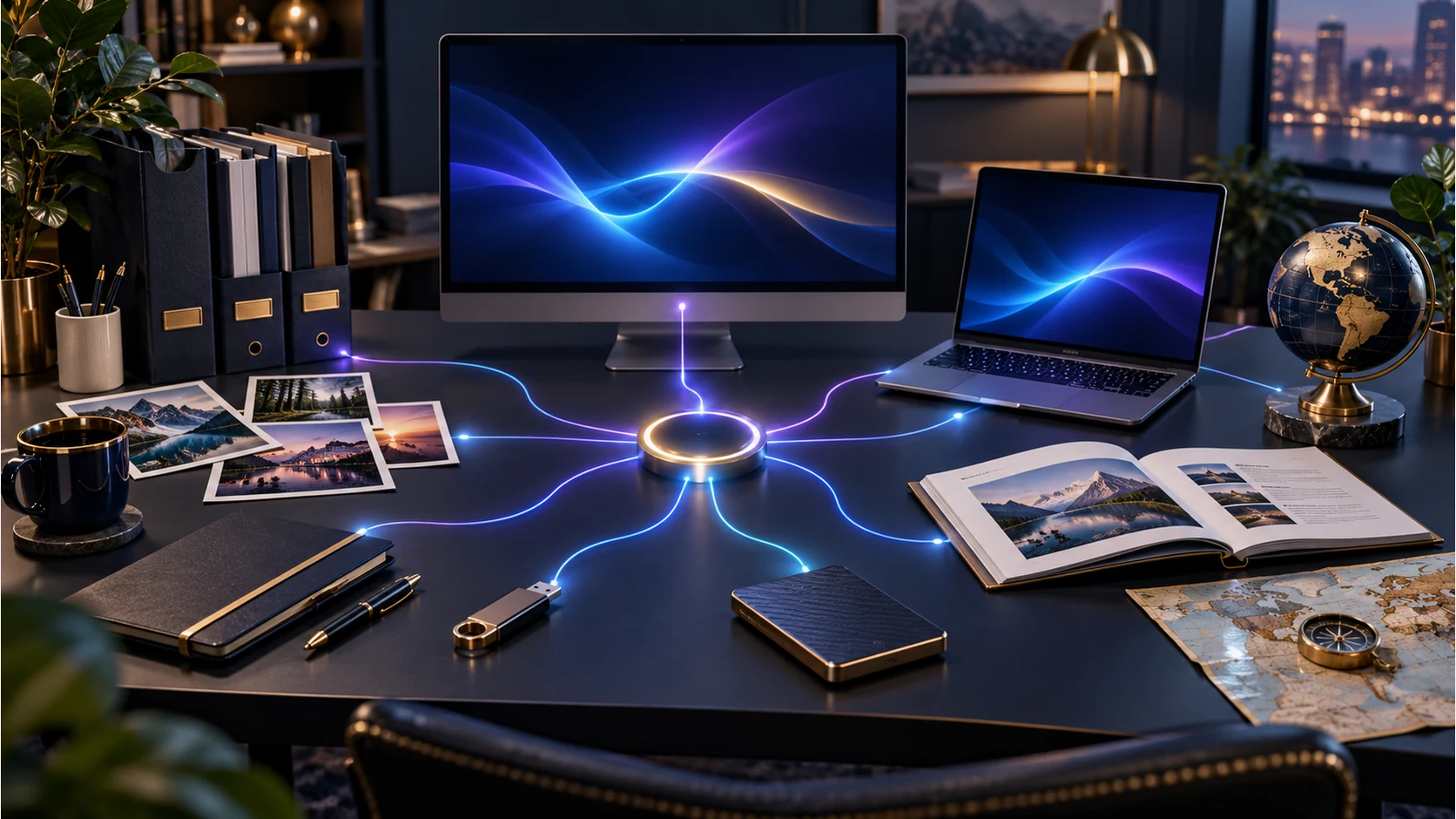
Open Magic Mishap from the Generators collection in your signed-in Windows desktop workspace.
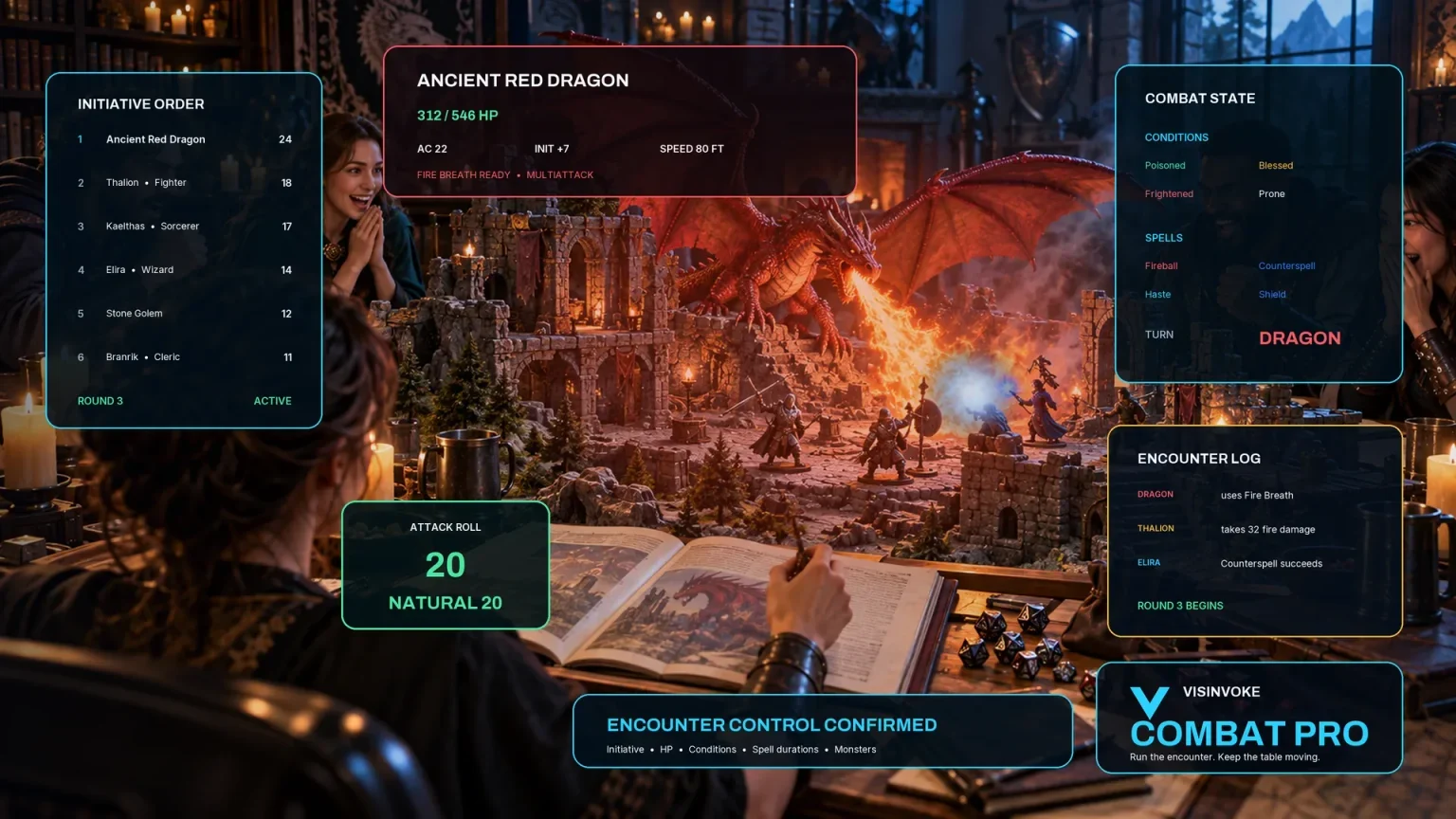
Explore a separate VISINVOKE workspace for preparing and running combat at your table.
Images are product illustrations. Magic Mishap provides event material independently of combat.
Questions and answers
Sources, severity, responses, sharing and access at a glance.
A magical accident with its source, how it goes wrong, immediate effects, affected and spared people, escalation, duration, changing conditions, ending, aftermath, recovery and a future magical hook.
Sources include spell, item, potion, scroll, ritual, wild magic and ancient artifact. The six tiers are cosmetic oddity, nuisance, misfire, uncontrolled surge, planar breach and reality disturbance.
Describe the magic, choose its source and severity and decide whether an optional real roll should trigger the mishap. Add the context, kind of magic, targets, duration, caster, things to avoid and private Dungeon Master context.
Your table’s rules decide whether the original magic succeeds, and players decide how their characters respond. The generator describes magic that goes wrong with clear effects, boundaries, an ending and aftermath.
Save and reopen versions, edit sections, lock favourite details and selectively change others. Copy, download or print the full Dungeon Master account or a player-facing view of the mishap, immediate effects, affected people and ending. Hidden causes and escalation stay private.
Create a VISINVOKE account or sign in, get Desktop Control Centre through your account installer page and open Magic Mishap in the Generators collection on Windows. View current subscription details in your account.
Continue in VISINVOKE
Create a free VISINVOKE account or sign in to your existing account. Get Desktop Control Centre through your account installer page.
Open Magic Mishap in the Generators collection on Windows. View current subscription details in your account.